
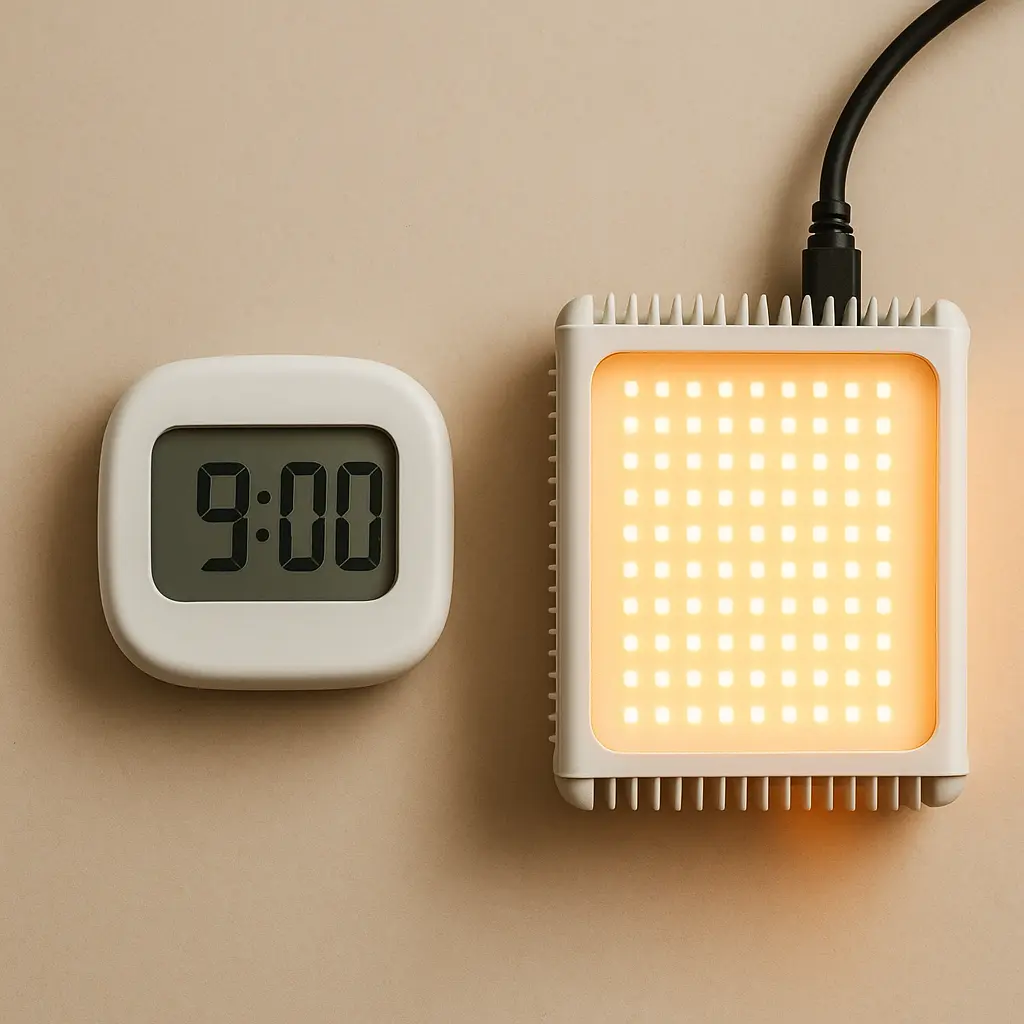
A consistent lighting schedule can make grow lights easier to manage and home lighting more predictable. Instead of switching lights manually every day, a timer or smart controller can repeat the same on/off cycle automatically.
Use the LEDHost Light Scheduler to plan a daily cycle for plants, sleep routines, or any custom lighting application. Choose how long the light should run, set either the starting or ending time, and the scheduler will calculate the other time for you.
1. Why Lighting Schedules Matter
Lighting is affected by both intensity and time. A bright light used briefly creates a different daily exposure from a lower-output light running for many hours.
Scheduling also removes one common source of inconsistency: forgetting to turn lights on or off at the same time each day.
- Grow lights: repeatable timing helps maintain a consistent photoperiod.
- Home lighting: schedules can automatically reduce or increase lighting around your normal routine.
- Workspaces: timers can prevent task or accent lights from remaining on unnecessarily.
- Custom projects: repeatable on/off cycles are useful for displays, signage, and other LED installations.
2. Plant Photoperiods and the Dark Period
The number of hours a plant receives light each day is called its photoperiod. Different crops and growth stages can benefit from different schedules.
Many seedlings, microgreens, herbs, and leafy greens are commonly grown with approximately 14 to 16 hours of light per day, followed by a period of darkness.
Twenty-four-hour lighting is usually unnecessary for ordinary indoor growing. Plants have biological processes that continue during darkness, and additional hours do not automatically mean additional useful growth.
Flowering crops can have more specific day-length requirements, so use crop-specific guidance when photoperiod affects flowering or reproduction.
3. Duration Is Only Part of the Story
A schedule tells you how long the fixture operates, but it does not tell you how much light actually reaches the plant or person.
In plant lighting, the combination of PPFD and time contributes to the total daily light exposure. A strong fixture operating for 16 hours may provide far more light than a weak fixture running for the same 16 hours.
That is why the scheduler should be used together with appropriate fixture intensity and hanging height rather than treating duration as the only important setting.
For grow-light intensity and coverage, see the LEDHost PAR Simulator.
4. Scheduling Home Lighting Through the Day
Home lighting schedules do not need to follow one rigid Kelvin formula. A more useful approach is to create a clear difference between active daytime lighting and the lower-light environment used near bedtime.
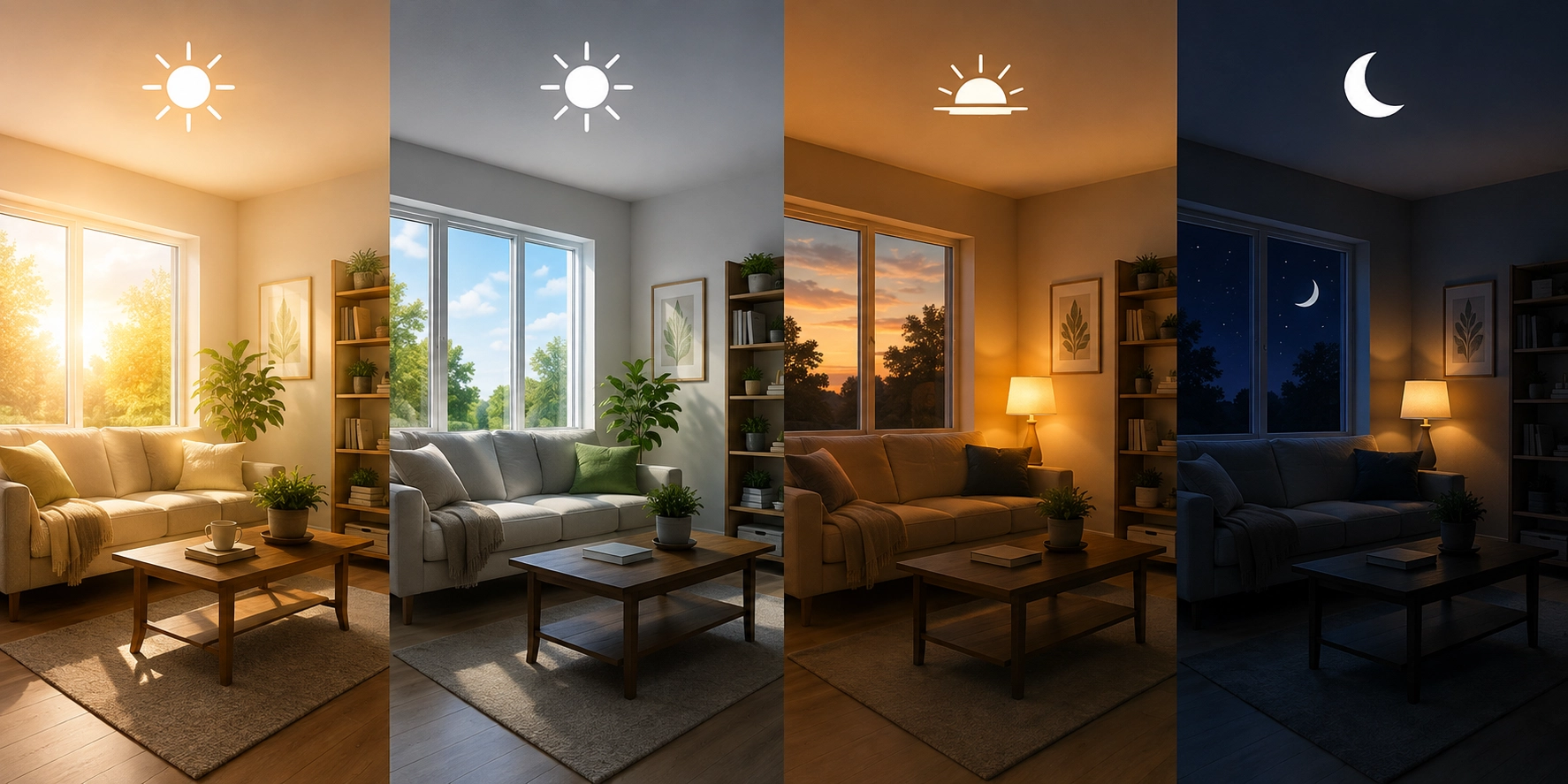
Morning and Daytime
- Use daylight when available.
- Provide enough artificial light for the room and task.
- Keep work areas comfortably illuminated without excessive glare.
Evening
- Begin reducing unnecessary brightness as bedtime approaches.
- Use dimming where practical.
- Warmer-looking lighting can provide a comfortable evening atmosphere.
Night
- Keep bedrooms dark when possible.
- Use only the amount of light needed for safe nighttime movement.
5. Choosing Intensity and Color Temperature
The scheduler lets you associate an intensity percentage and color temperature with the cycle you are planning. These values are useful as notes for your intended setup, but they do not automatically control a physical light.
Intensity percentage represents the brightness setting you intend to use on a compatible dimmable fixture or controller.
Color temperature describes the visual appearance of white light:
- lower Kelvin values appear warmer
- middle values appear more neutral
- higher Kelvin values appear cooler
For household lighting, Kelvin choice is partly preference and partly application. For plants, Kelvin alone does not tell you the fixture's useful plant-light output or full spectrum.
6. Fixed Schedules vs Sunrise and Sunset
A fixed schedule uses the same clock times every day. For example, a grow light might turn on at 6:00 a.m. and turn off 16 hours later at 10:00 p.m.
This is simple, predictable, and usually ideal for indoor growing where the goal is consistency.
Some smart-home systems can instead follow local sunrise and sunset times. That can be useful for exterior or decorative lighting because the schedule changes naturally as the seasons change.
Neither approach is universally better. Choose the one that matches the purpose of the light.
7. Common Scheduling Mistakes
- Running grow lights continuously: more hours are not automatically better.
- Ignoring intensity: duration cannot compensate for every lighting problem.
- Changing the schedule constantly: consistency makes plant response and troubleshooting easier to evaluate.
- Using bright home lighting right up to bedtime: lower evening brightness can provide a clearer day-night transition.
- Forgetting daylight: natural light can already contribute significantly to a room or plant setup.
- Assuming an exported schedule controls hardware automatically: the file still needs to be used with compatible software, a calendar, or a controller.
8. Example Daily Schedules
These examples are starting points rather than universal prescriptions. Adjust them to the plant, room, fixture, and daily routine.
Seedlings or Microgreens
A common starting schedule is approximately 14-16 hours of light followed by 8-10 hours of darkness.
Indoor Herb Shelf
A consistent daytime cycle can keep the grow light synchronized with your normal waking hours while allowing darkness overnight.
Home Evening Lighting
Use normal room lighting during the active part of the day, then reduce intensity later in the evening rather than making one abrupt change at bedtime.
Exterior or Accent Lighting
A sunset-based smart routine may be more convenient than a fixed clock time when the desired start time should change with the season.
9. How to Use the LEDHost Light Scheduler
- Select a zone. Choose Plants, Sleep, or Custom as a convenient description for the schedule.
- Choose the daily duration. Select how many hours the light should remain on.
- Choose which time is fixed. Tell the scheduler whether you know the desired ON time or OFF time.
- Select the clock time. The scheduler calculates the other end of the cycle automatically.
- Choose intended intensity and color temperature. These values are included with the schedule as setup information.
- Review the instant result. Confirm the calculated ON and OFF times before exporting.
- Export if useful. Save the result as JSON or as an ICS calendar file.
Set how long your lights should stay on each day, then choose the time they should turn on or off. The other time will be calculated for you.
Try It Now
10. Using the Exported Schedule
The scheduler creates planning files; it does not directly communicate with your lights.
JSON Export
JSON is useful when another application, script, controller, or automation system can read the schedule data.
ICS Export
ICS is a calendar format. It can be imported into compatible calendar applications so the lighting event appears alongside other scheduled activities.
Whether either file can control hardware directly depends entirely on the smart-lighting platform or controller being used.
11. Timers and Smart Controllers
Once you know the desired schedule, several types of hardware can automate it.
- Mechanical timers: inexpensive and simple for fixed daily schedules.
- Digital timers: provide more precise programming and often several on/off events.
- Smart plugs: useful for fixtures that can safely resume operation when power is restored.
- Smart bulbs: may provide scheduling, dimming, and tunable-white control directly.
- Dedicated grow controllers: can coordinate lights with other environmental equipment.
Always make sure the timer, plug, relay, or controller is electrically rated for the connected load.
LEDHost Tip
Start with a simple repeatable schedule. Once the timing is working, adjust intensity, color temperature, or plant-light output separately. Changing several variables at once makes it much harder to tell which change actually improved the result.
More in the Tool Zone
Frequently Asked Questions
Ask a Question
All questions are reviewed before publishing.